Ritual site
Manifestation Jar
Write a manifestation, watch it fold and drift into a real glass jar sitting in a golden-hour garden. A small ritual, not a to-do list.
Launch
No signup required
What it looks like
Real screens from the current build: a single locked-camera scene, not a page you navigate through.
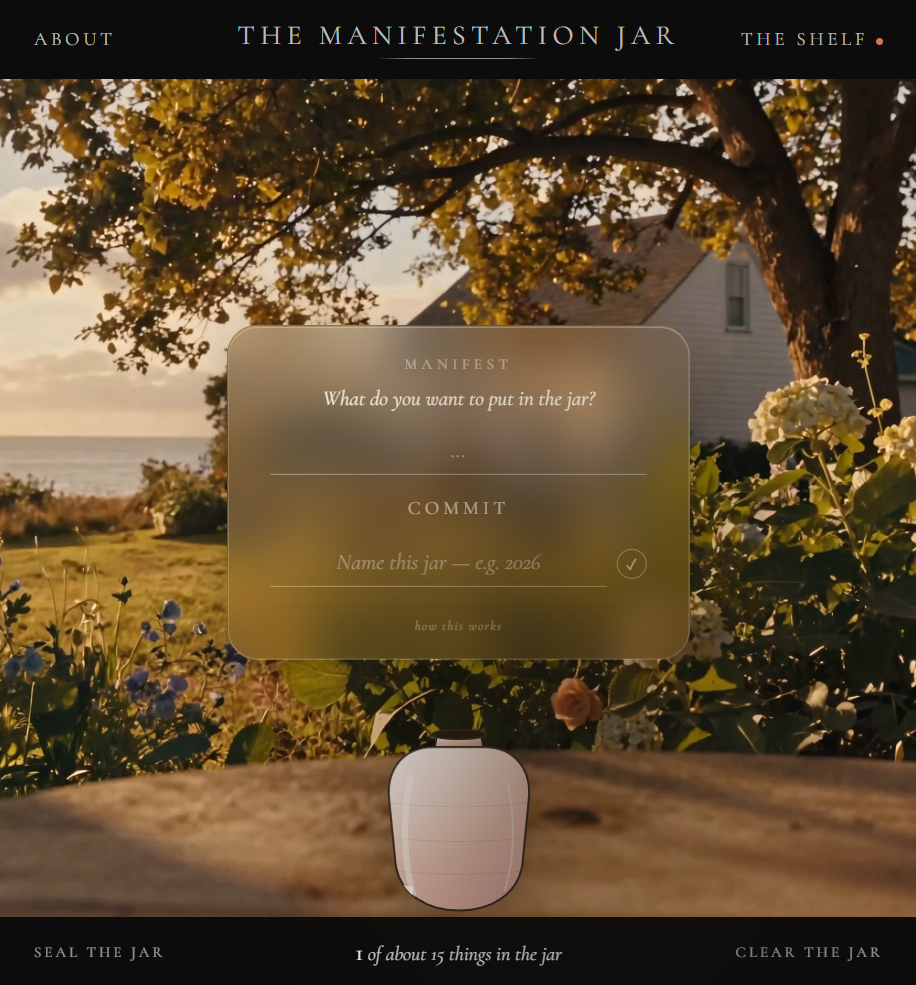
The main scene: jar, manifest panel, garden backdrop
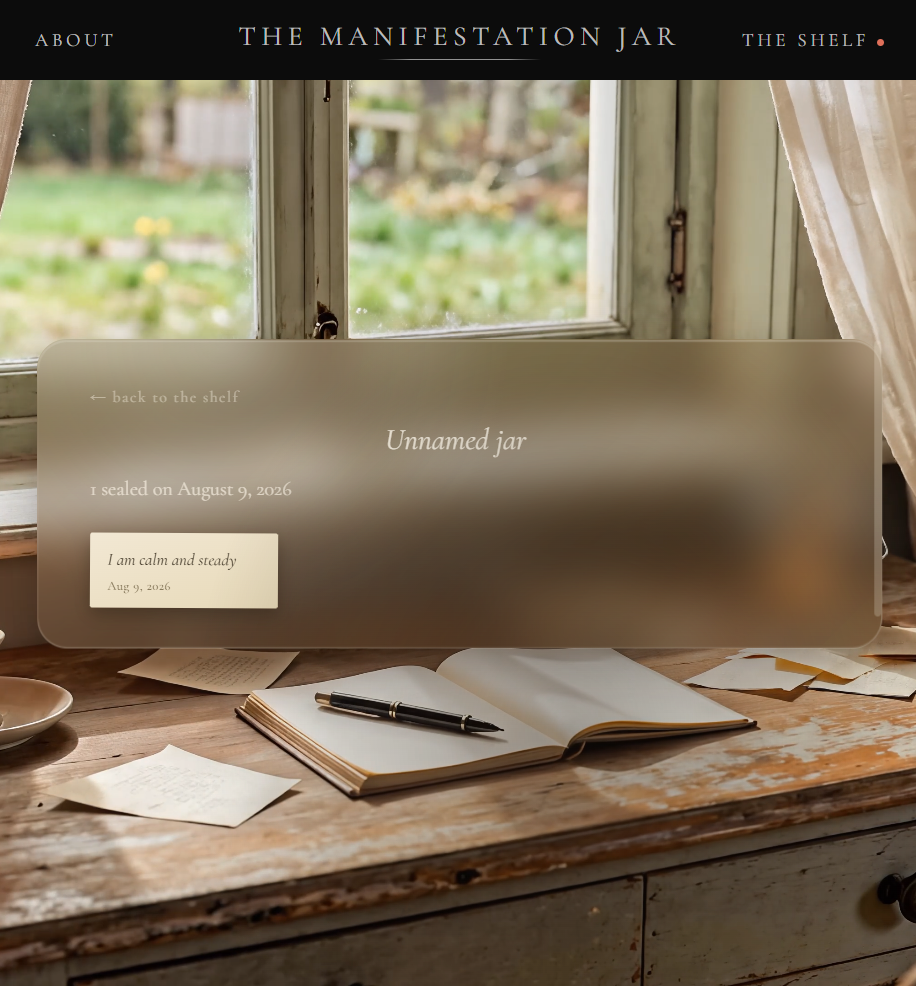
The Shelf: sealed jars from the past year, favorites sorted first
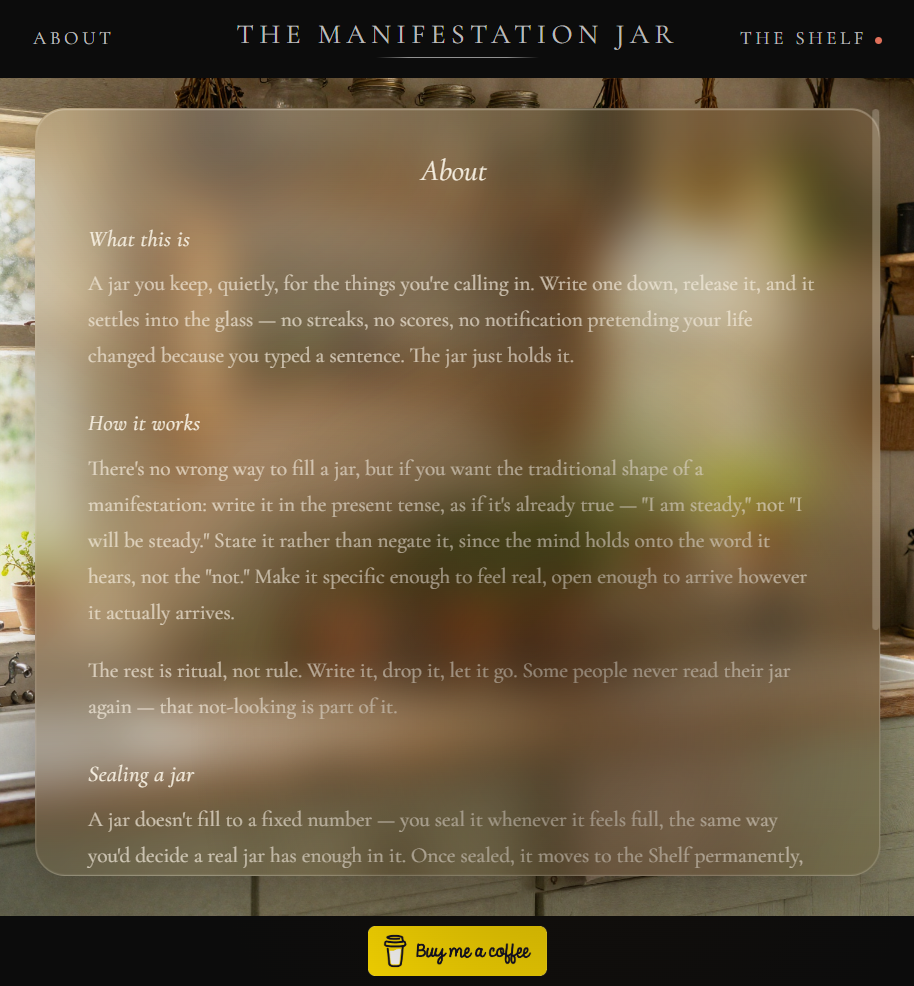
About: what the ritual is and why it isn't a to-do list
What it is
A small ritual, not a productivity app. Type a manifestation into a notebook-style panel and press Commit: the text becomes a piece of paper that lifts off the panel, folds twice mid-air, drifts on an unseen breeze toward a jar sitting in a whitewashed coastal garden at golden hour, and drops in with a glass clink. No toast, no confetti, no "Manifestation added successfully!" The jar just quietly gets one paper heavier, and the garden keeps going.
Five jar shapes, randomly assigned (mason, apothecary, squat, tall bottle, bulbous), each hand-drawn, so the shelf reads as real varied glassware over time.
A tint picker: tap the active jar for a small popover of five muted glass tints, recolored live.
Jars fill and seal themselves. Each one quietly gets its own "feels full around here" number on creation. No visible progress bar, no hard cap, but it seals on its own once it's there. Manual sealing is always an option too.
A golden ritual glow: the panel's border genuinely breathes warmer while you're writing and through the whole commit animation, tied to the act itself, not decorative.
The Shelf and The Archive. Sealed jars live on the Shelf for a year, then settle into a desaturated, sepia-toned Archive. Favorites always sort first in both.
~30 real achievements, computed live from actual sealed-jar data, not decorative padding.
Save your jar, no account page. A small card inside the Shelf offers a magic-link email or Google sign-in. Signing in is the account; there's no separate profile screen to build or maintain.
How it evolved: v1 → v2
v1
The original build (
index.html): a flat, multi-jar-shelf tracker with SVG jars on a plain background. It proved the core loop (write, fold, drop, fill, seal, shelf) but read like "a nice web app," not a place you'd want to visit.3D detour
The jar was rebuilt as a real WebGL/Three.js object with physically-based glass materials. Weeks of tuning (environment maps, clearcoat/roughness sweeps, a downloaded HDRI) never crossed the line into reading as actual glass.
Reversal
The 3D approach was deliberately dropped. Hand-drawn SVG jars, ported straight from v1's shape library and re-tuned for warmer lighting, ended up looking better than the "more sophisticated" technique. A lesson that repeated more than once on this project.
v2
The real pivot (
concept-cottage.html): one locked-camera scene, a New England coastal cottage garden at golden hour ("Practical Magic" as the explicit visual reference), with the jar, panel, and shelf all living as overlays on one photographic backdrop instead of separate pages.Now
Backgrounds moved from AI-generated concept stills (Higgsfield) to Deon's own shot-and-upscaled video (Veo 3.1, 4K). Fully built, self-contained, one HTML file, waiting on a tip jar link before it goes live.
Early concept art
The full set of AI-generated (Higgsfield) stills used to lock the visual direction before Deon shot and upscaled the real video backgrounds himself: five passes at the garden alone before it landed.
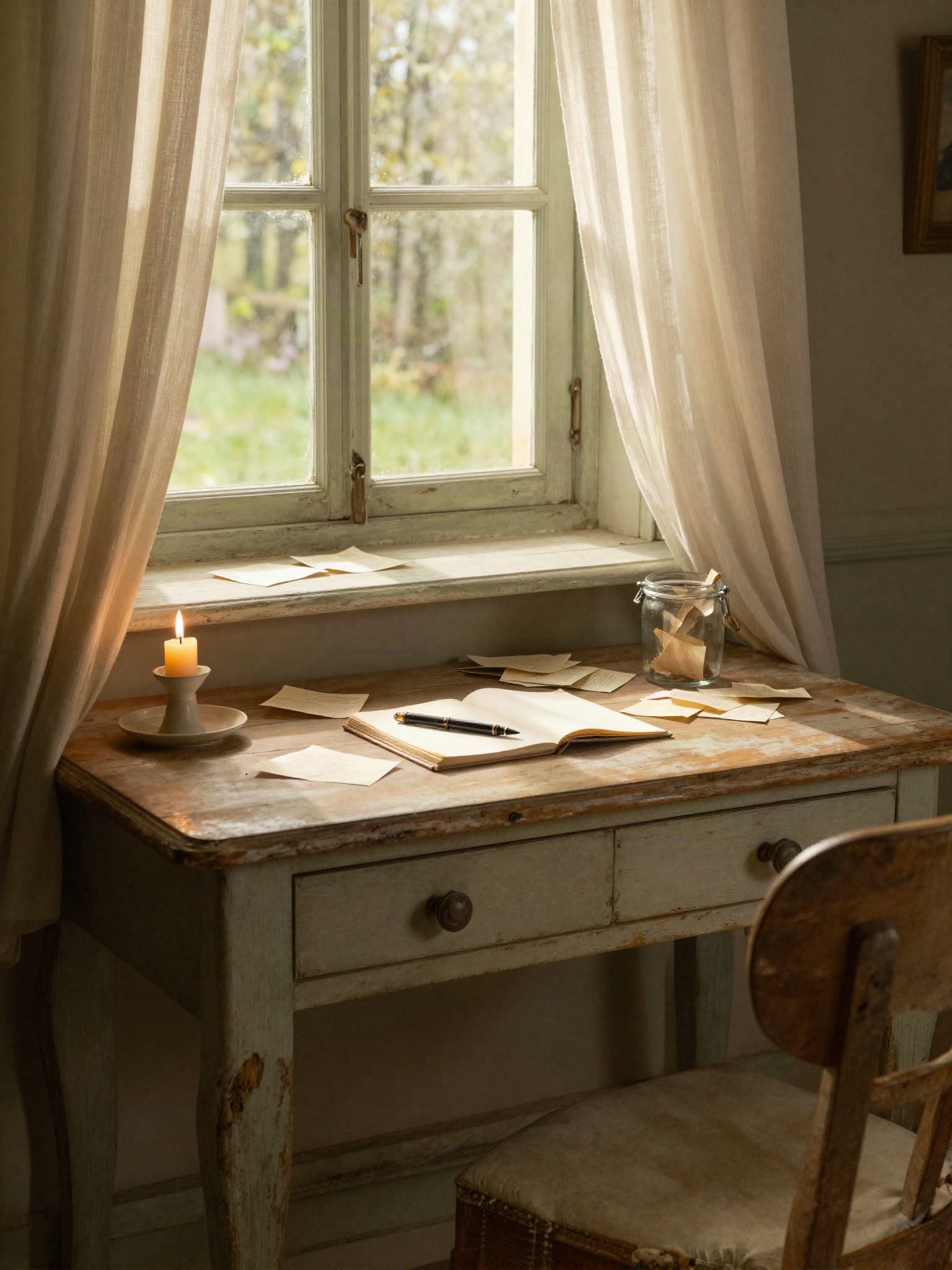
Desk concept, candle scene, later dropped for the garden
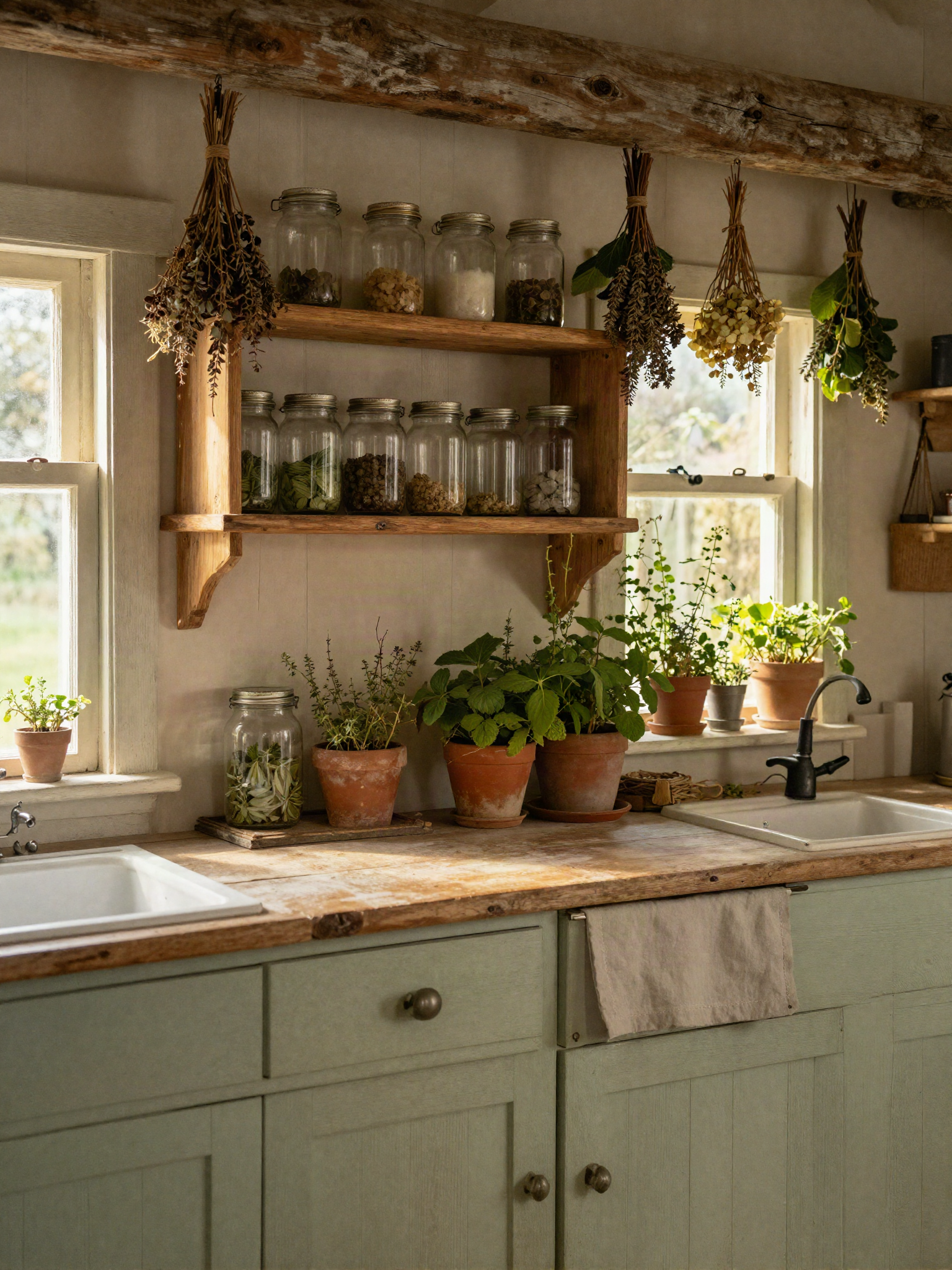
Shelf concept 01, kitchen pantry
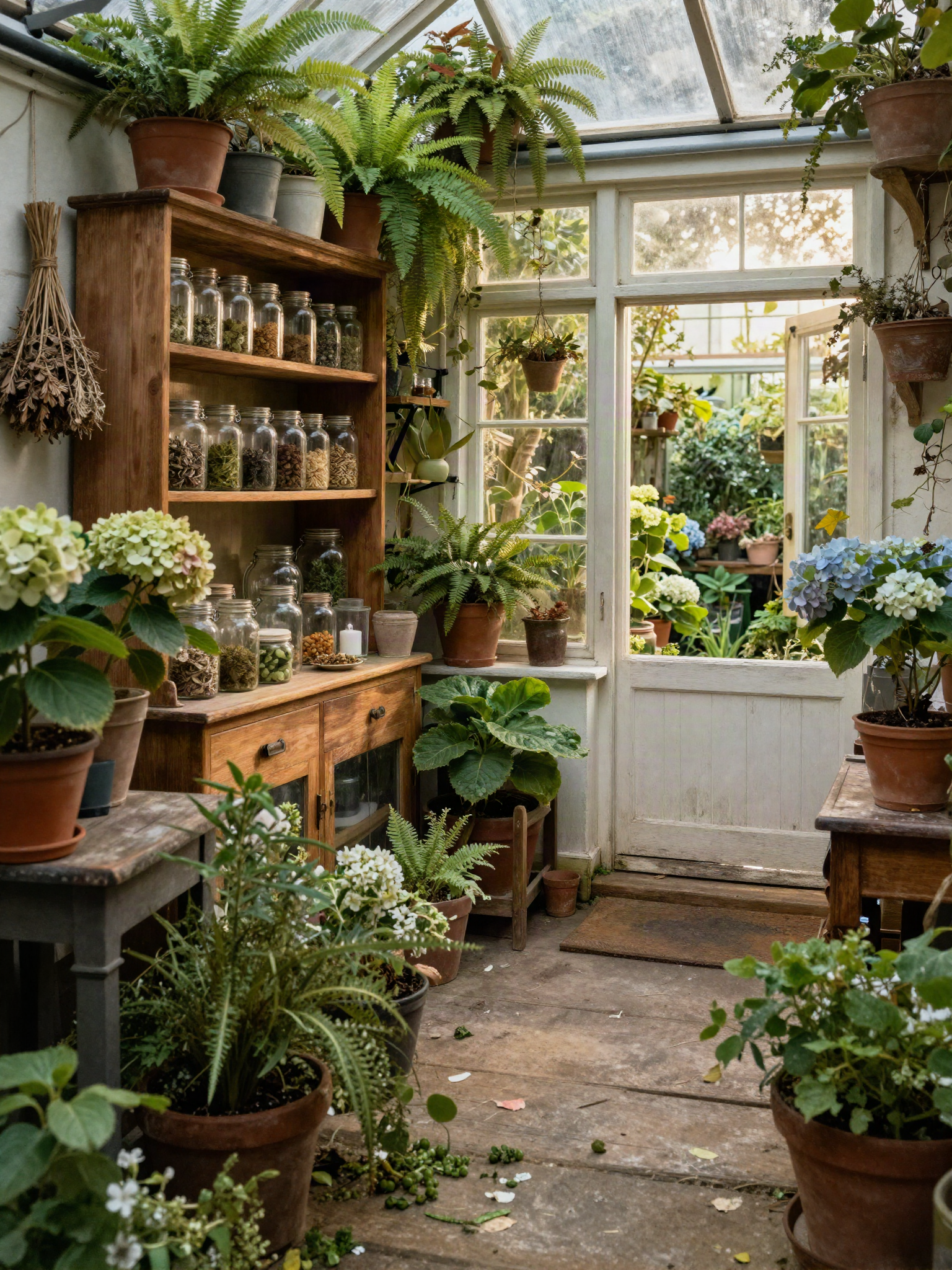
Shelf concept 02, dense conservatory
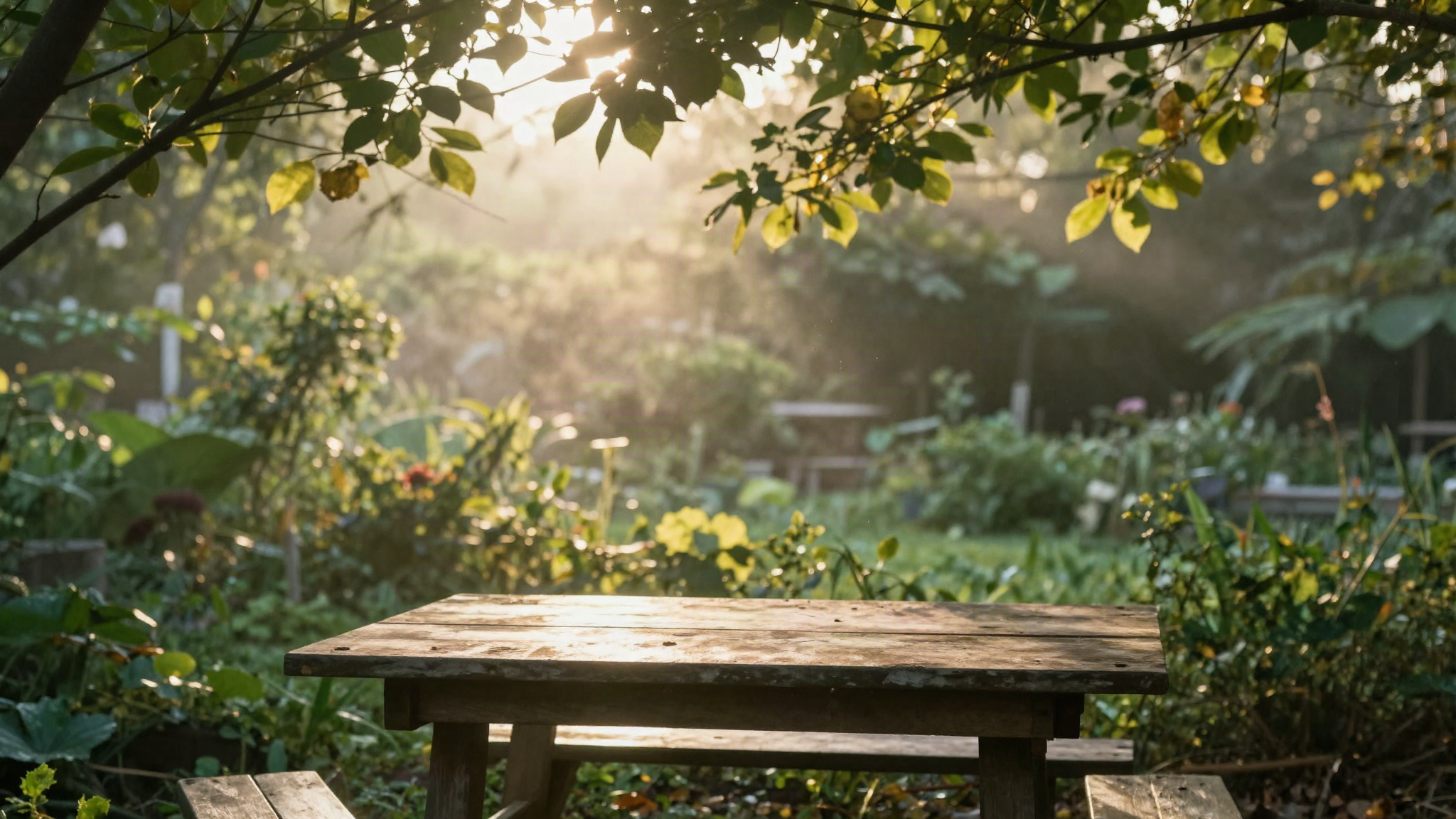
Garden concept 01, early pass
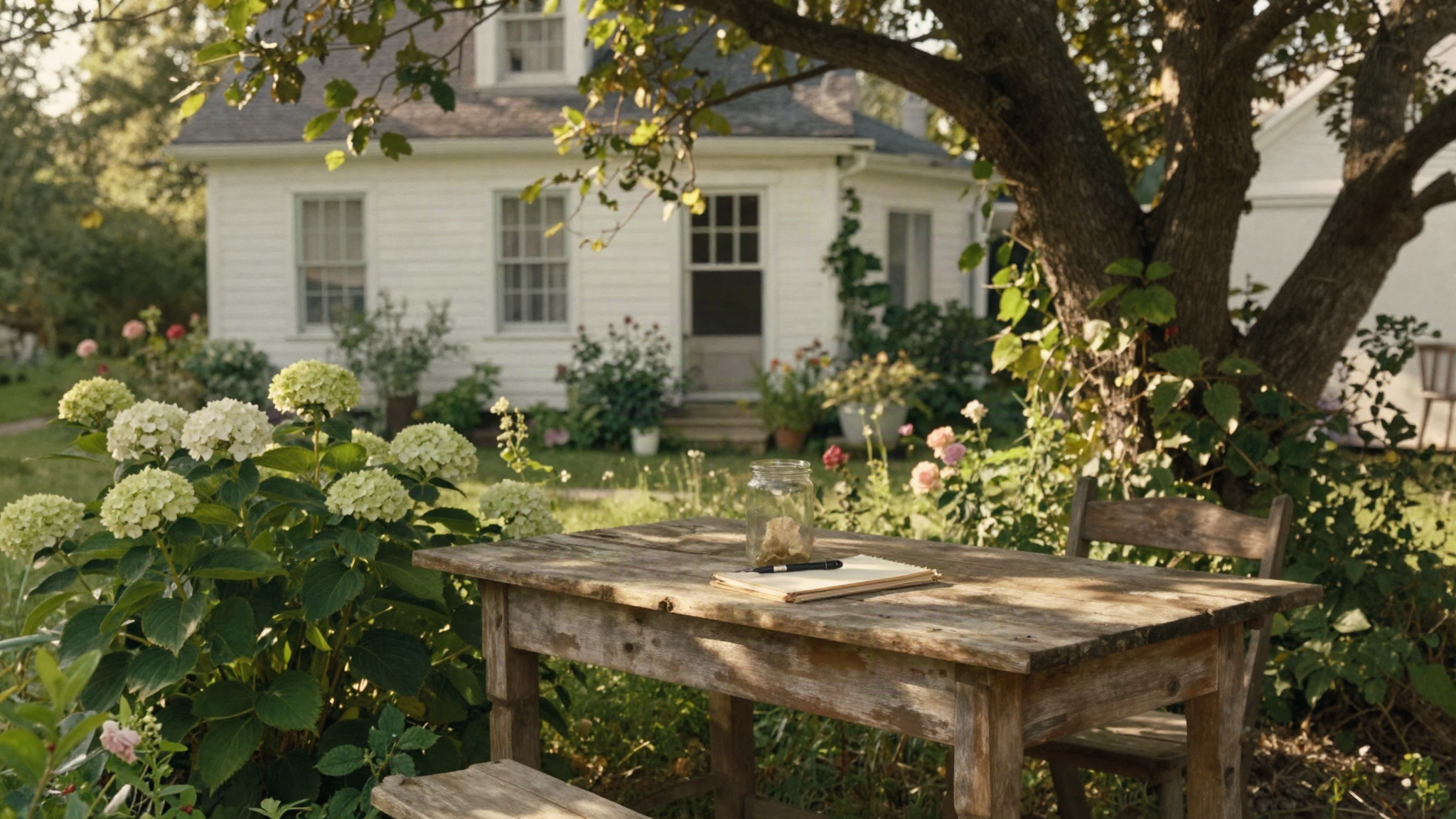
Garden concept 02, "Practical Magic" reference
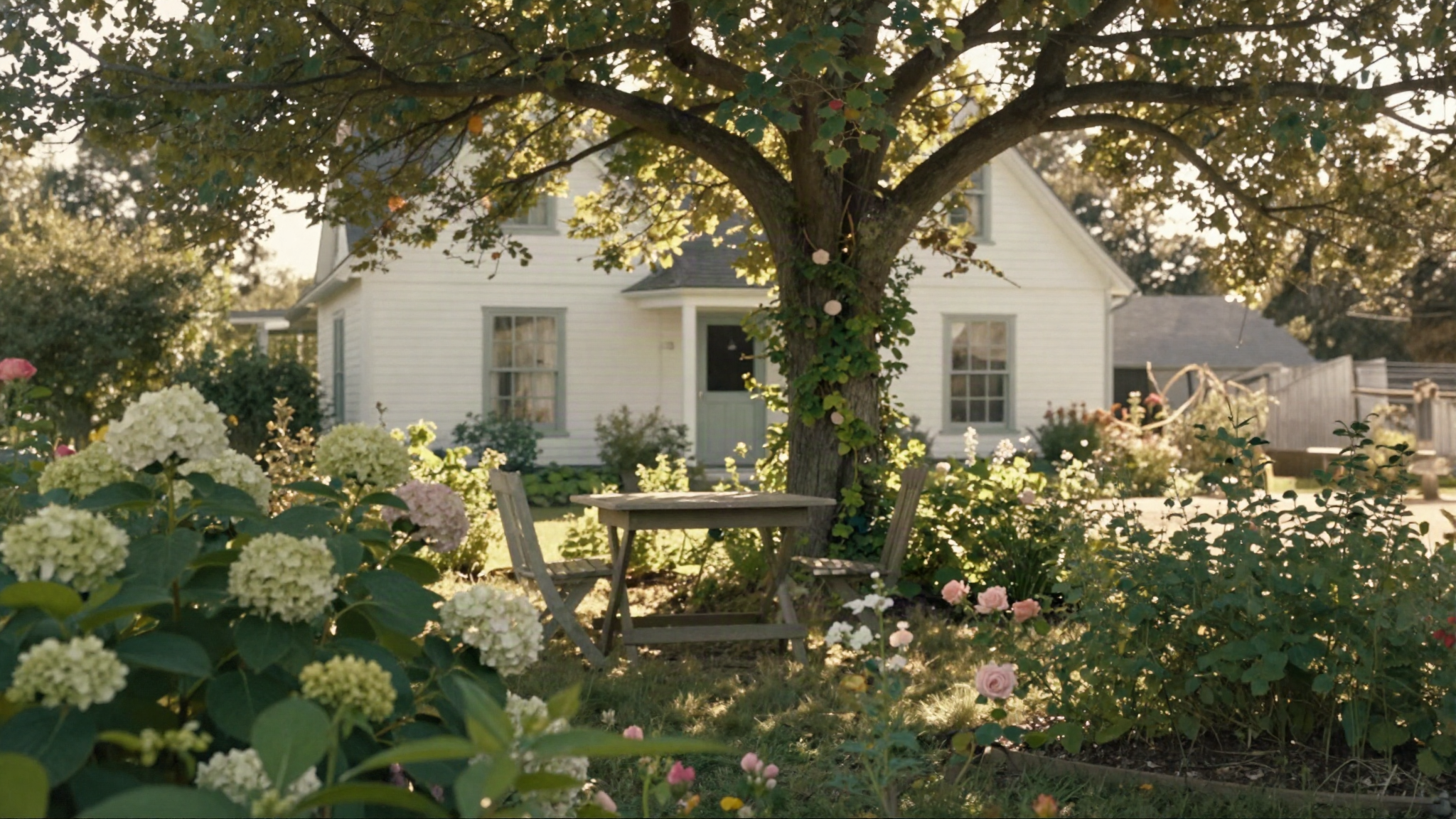
Garden concept 03, wider establishing shot
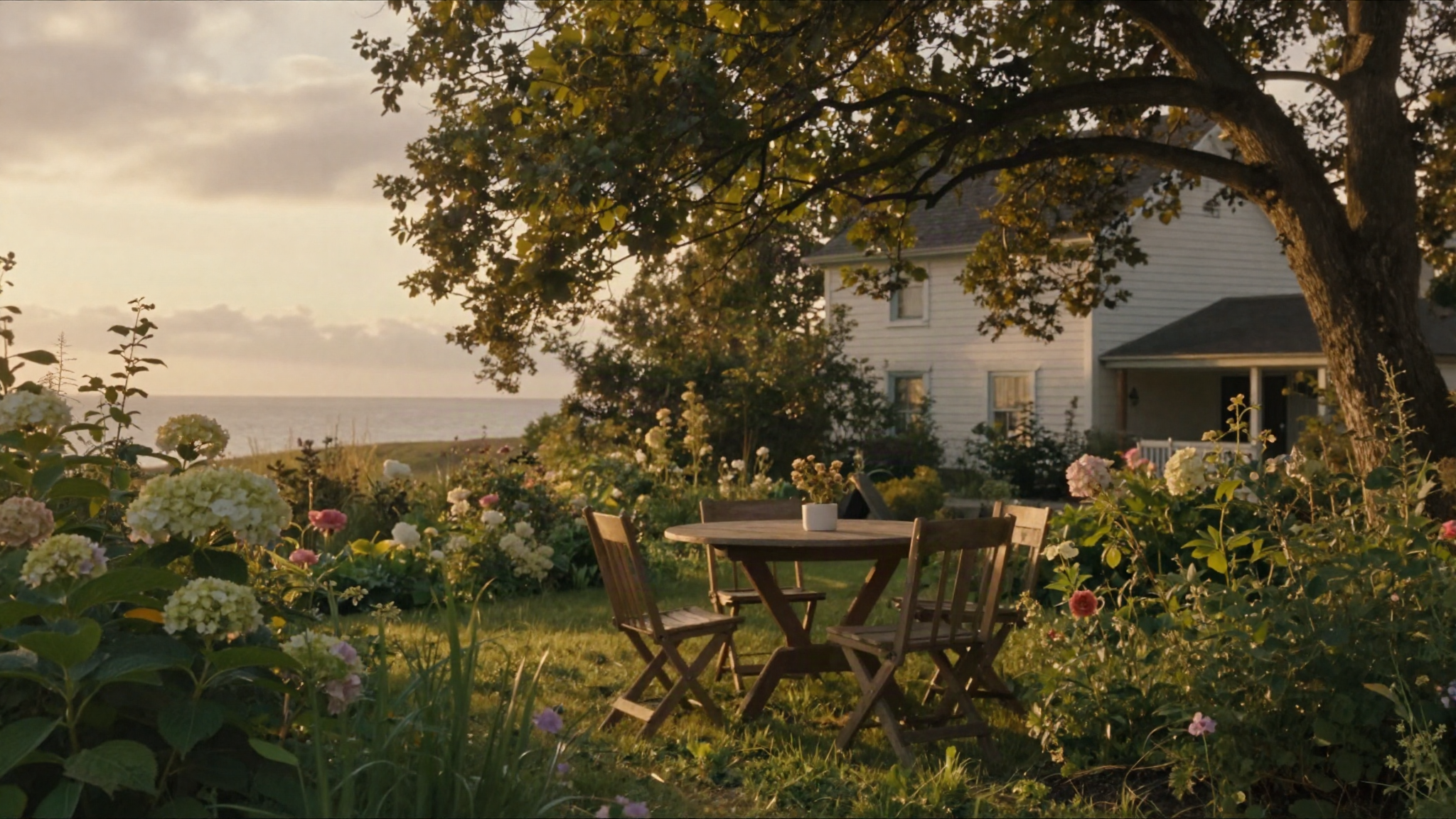
Garden concept 04, closer, golden sky
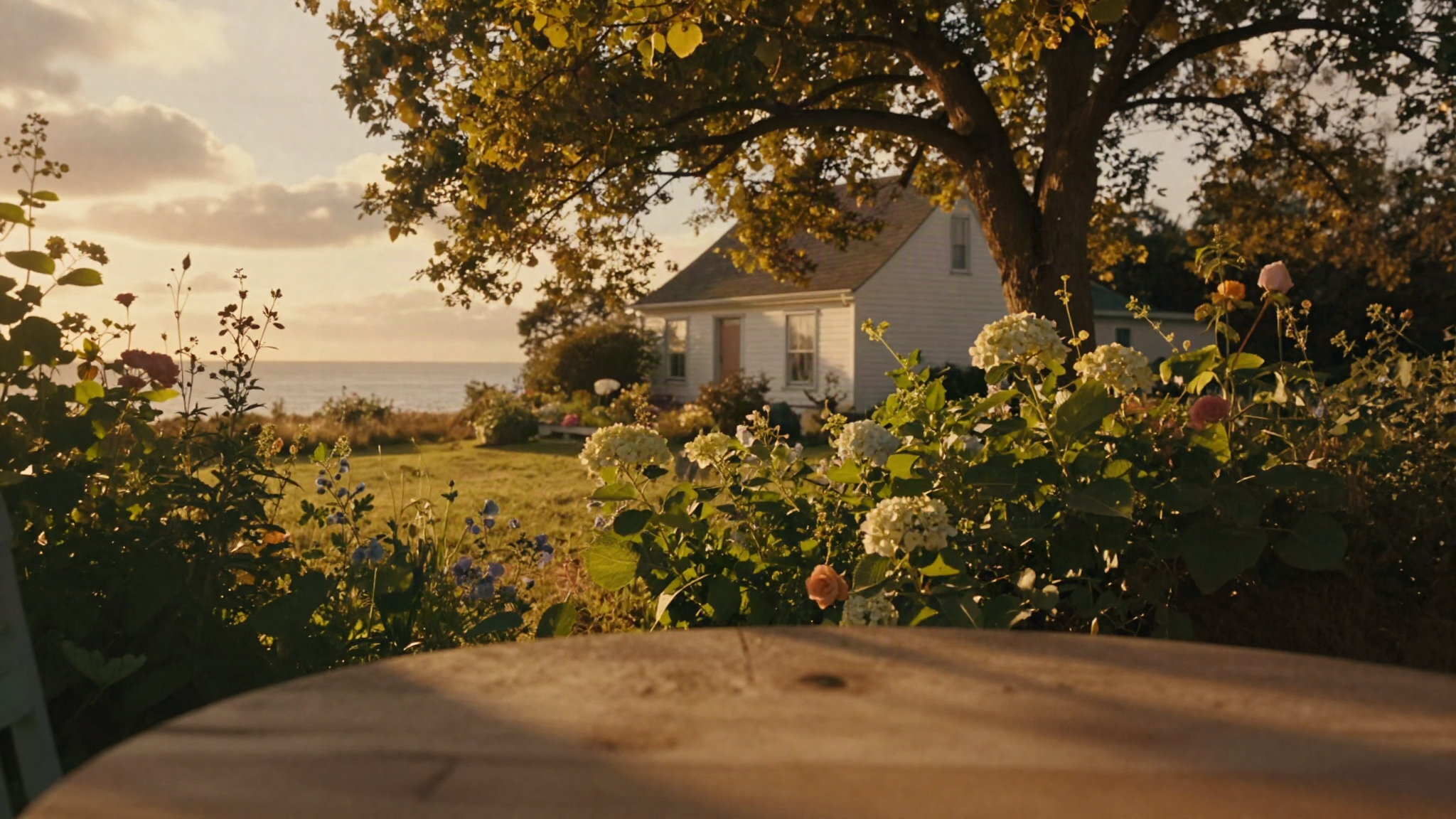
Garden concept 05, closer, more saturated
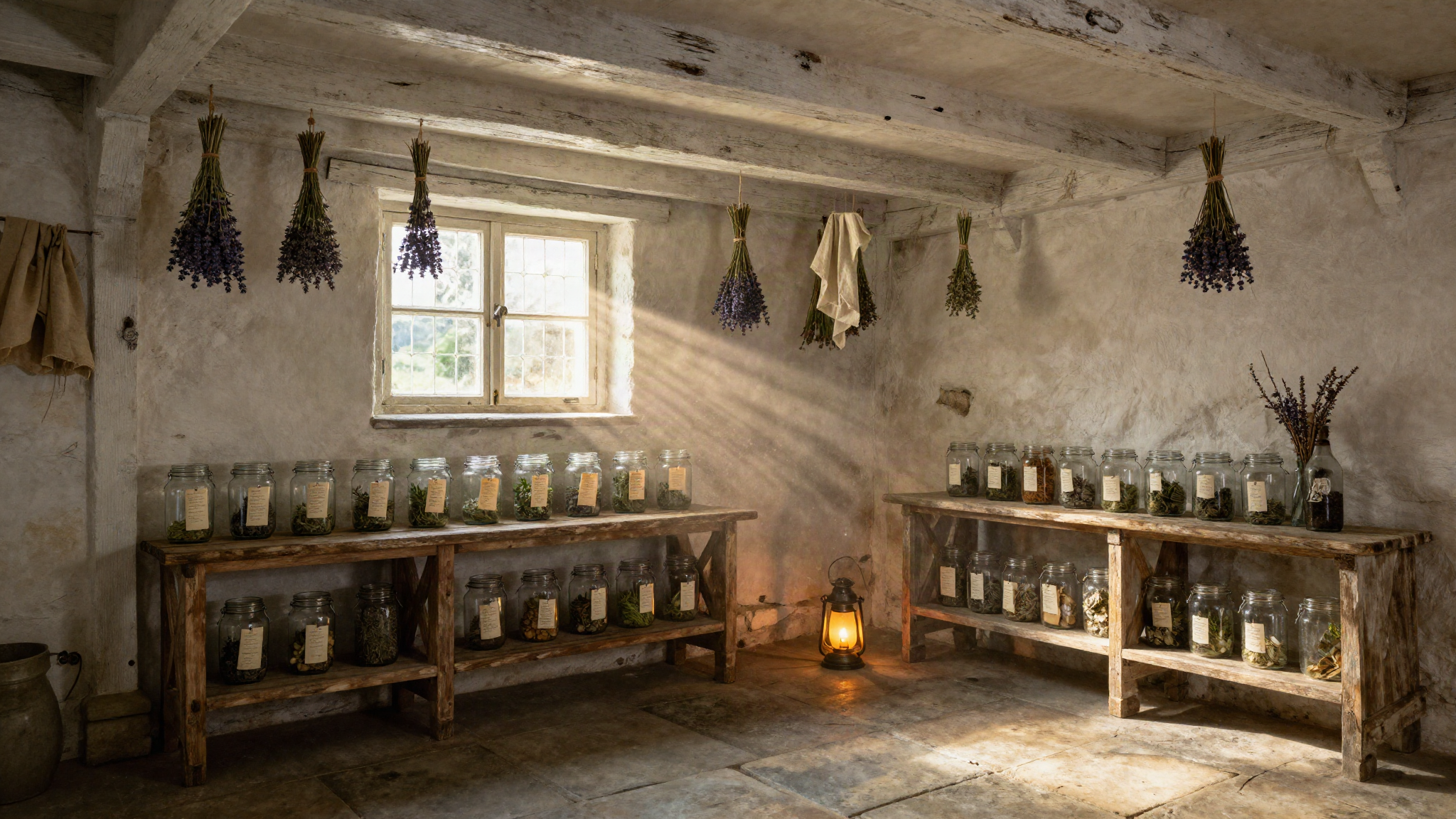
Archive concept 01, cellar
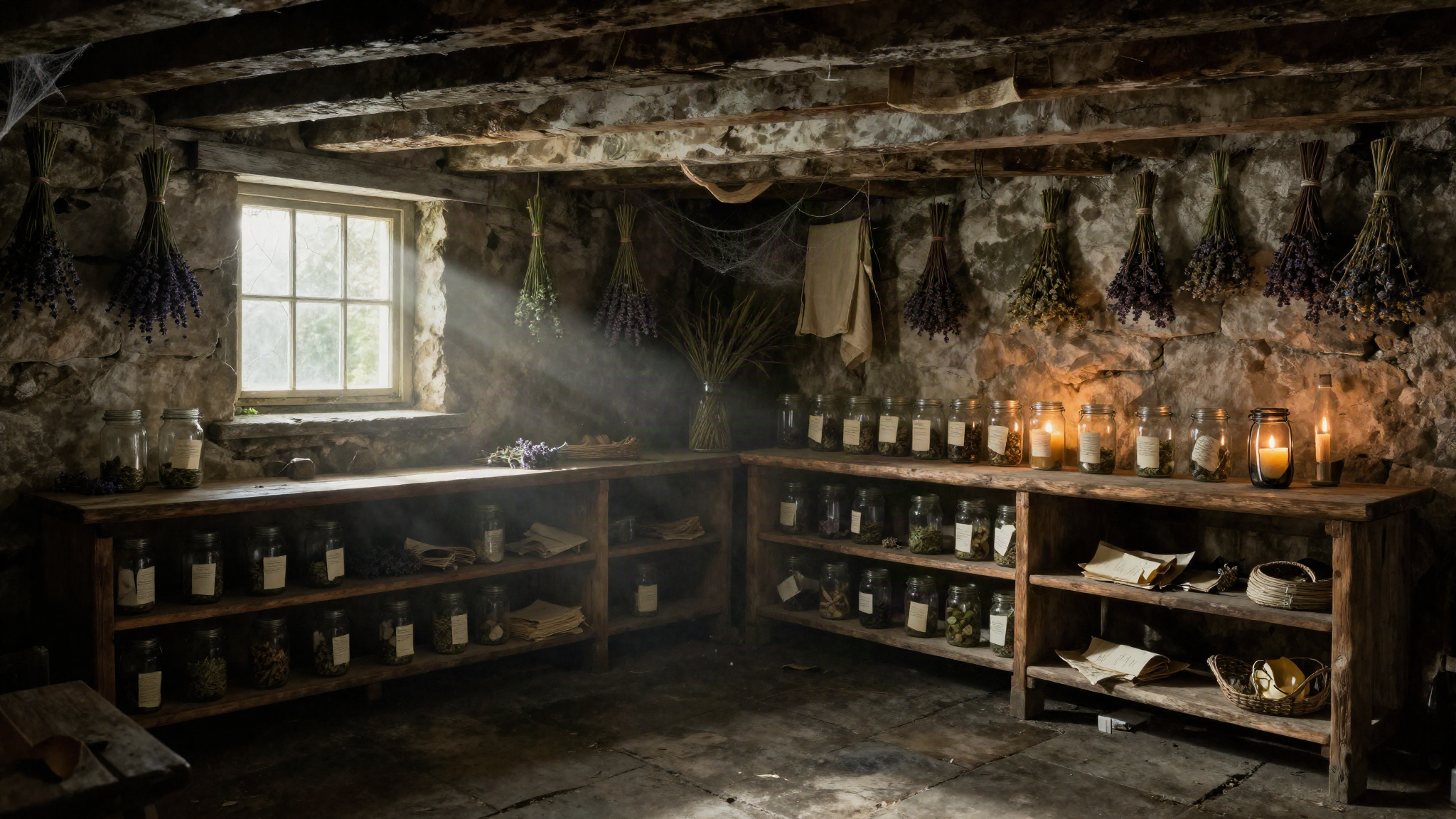
Archive concept 02, darker cellar
Real snags hit along the way
A button nested inside a button
Adding favorite/archive icon buttons to shelf cards made the browser silently auto-close the outer card button the moment it hit the inner one. HTML forbids interactive content inside a button. It looked like a CSS bug (misaligned text, floating labels); it was actually invalid markup being quietly mis-repaired by the parser. Fixed by making the card a
<div role="button"> with real buttons inside it.A CSS animation that silently zeroed out opacity
Adding a second
animation value to the already-animated manifest panel replaced its entire animation rather than layering on top, so the entrance animation's "hold at opacity 1" was lost the instant the commit-glow animation started, and the panel invisibly vanished mid-ritual. Fixed by pinning opacity explicitly on the new rule.A masked glow effect that failed open, not closed
A
mask-composite trick meant to draw a thin glowing ring around the panel rendered as a raw, unmasked diagonal wedge instead. The masking silently didn't apply rather than throwing an error. Replaced with a more robust technique: a small blurred dot traveling on a real CSS offset-path motion path.Google sign-in breaking the planned error handling
Email sign-in is a plain awaited call, easy to wrap in a try/catch. Google sign-in does a real synchronous browser redirect, so a provider-not-enabled error surfaced as a raw JSON error page from Supabase's own server, structurally uncatchable client-side. Solved by gating the Google button behind a feature flag until the OAuth credentials were actually wired in.
Lessons learned
The simpler technique beat the more sophisticated one, more than once. Hand-drawn SVG over real-time 3D glass is the clearest case. Real-time 3D was the wrong tool for a page this size, not a technique that needed more tuning.
Screenshot-driven iteration caught real problems reading the CSS never would have. The "save your jar" entry point moved from a floating account icon, to a fixed popup, to its final home inline in the Shelf, purely from looking at it rather than reasoning about it.
"Works in my testing tool" isn't the same claim as "works everywhere." A dev-convenience query param worked perfectly in the automated browser-pane test environment and failed silently in Deon's own real browser:
file://-origin storage behavior genuinely varies by browser.Where it stands
Live. A Buy Me a Coffee link is wired in, and the build has been copied into its own place on the site: a single self-contained file plus its two real background videos, nothing unused shipped alongside it. Still open: a real end-to-end test of Google sign-in, day/night and seasonal cycling of the background, a true garden-to-house scene transition, and a parked "found-items inventory" idea, none of it started yet.
Everything above the fold is real. Screenshots and concept art further down are exactly what's live right now.